
24/7 Reservation Lockers
24/7 reservation lockers are a convenient way for library members to access library resources and collect reserved items. Ours is located at the front of Citylibraries Riverway, next to the café.
Please note that items will be held in the locker for four (4) days.
How to Reserve Items
To reserve your item/s:
- Find what you would like to borrow via the online library catalogue.
- Select the 'place reservation' button.
- Select ‘Riverway Library - 24/7 Reservation Locker’ as your preferred 'pickup location' and complete your reservation.
- You will receive a notification via email and/or SMS when your item/s are ready for collection.
- Visit Citylibraries Riverway at any time within the next four days to collect your item/s.
How to Use the Reservation Locker
To use the reservation locker:
- Scan the barcode on your library membership card.
- On the locker display screen, choose 'select all' then 'check out selections' to borrow your items.
- The locker door will automatically open with your items inside.
- Remove your items and close the locker door.
- Choose 'done' to complete your transaction.
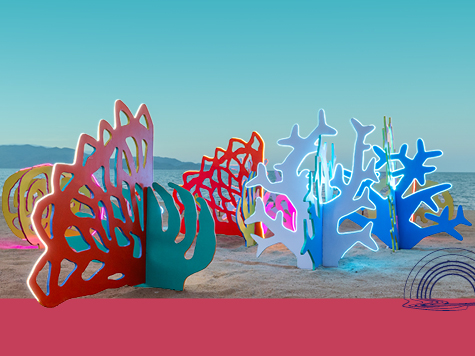
Entries are now open for Strand Ephemera 2027
Artists are invited to submit concepts that will form the North’s premier pop-up public art festival. Spark imagination and wonder, with artworks that celebrate Queensland’s unique stories – creating connection and lasting inspiration. Entries close: 10am, Tuesday 3 November 2026.

Capital Works Program
To keep Townsville growing, Council is actively involved in the delivery of projects to provide vital infrastructure and exciting development opportunities.
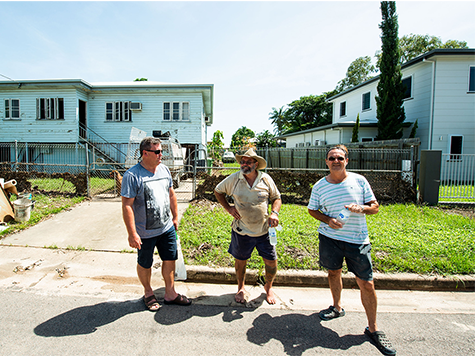
Recovery Roadshow
Council is taking recovery support on the road, with a series of community events planned across some of our region’s more remote communities. Connected communities recover better - let’s do it together.

Community Sentiment Survey
Council’s Community Sentiment Survey is a city-wide survey that gives community members the opportunity to tell Council what is working well, what needs improvement and what matters most to them. The survey closes 30 October 2026.

They Will Be Kings
Uniting some of Australia’s most exciting & influential trans activists, drag king performers and award-winning artists to rewrite the queer history of 21st Century Australia. Join the revolution. Celebrate the Kings.